Bit Changing Station
Note
Setting up the Bit Changing Station can be skipped for a simple setup of the system.
Before you can change bits in a robot program with the automatic Bit Changing Station and the Attach bit and Detach bit program nodes, it must be configured in the installation.
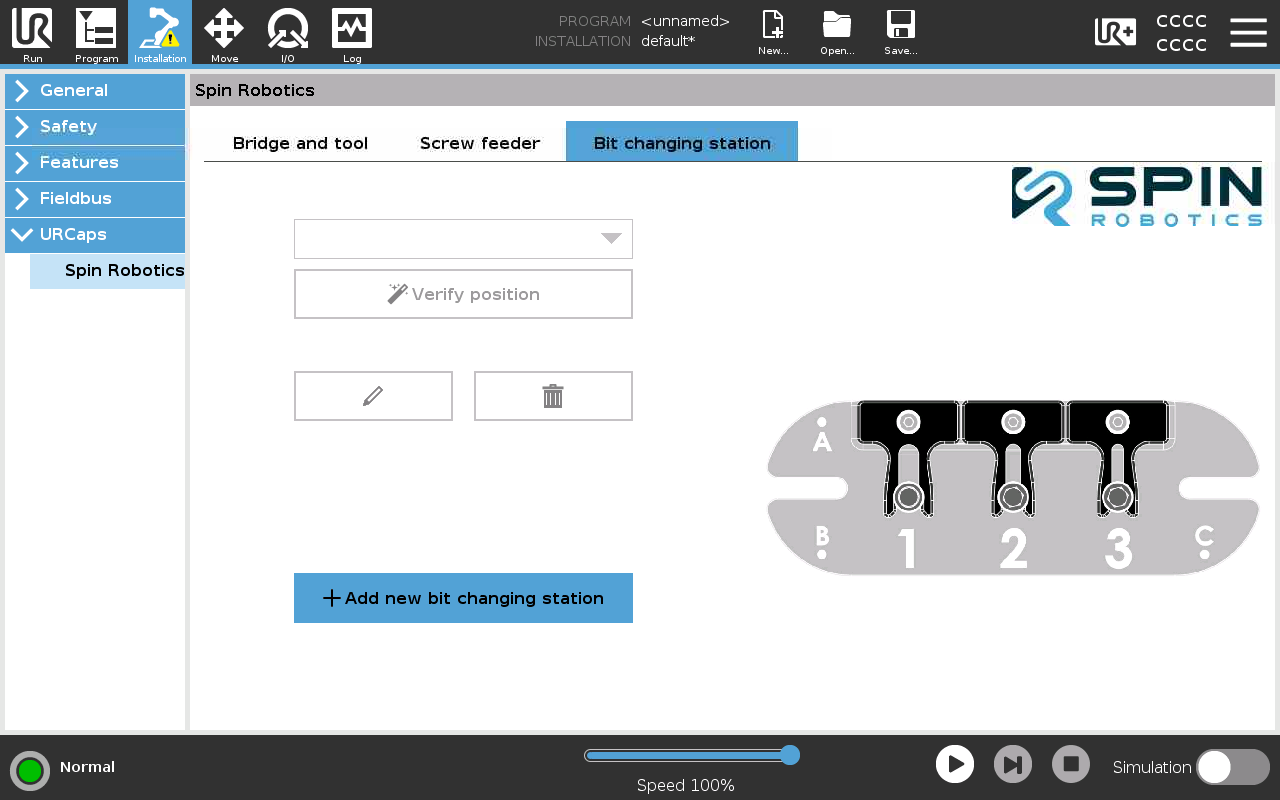
Installation of Bit Changing Station 1.
Select Installation/URCaps/Spin Robotics/Bit changing station.
Enter a name for the Bit Changing Station.
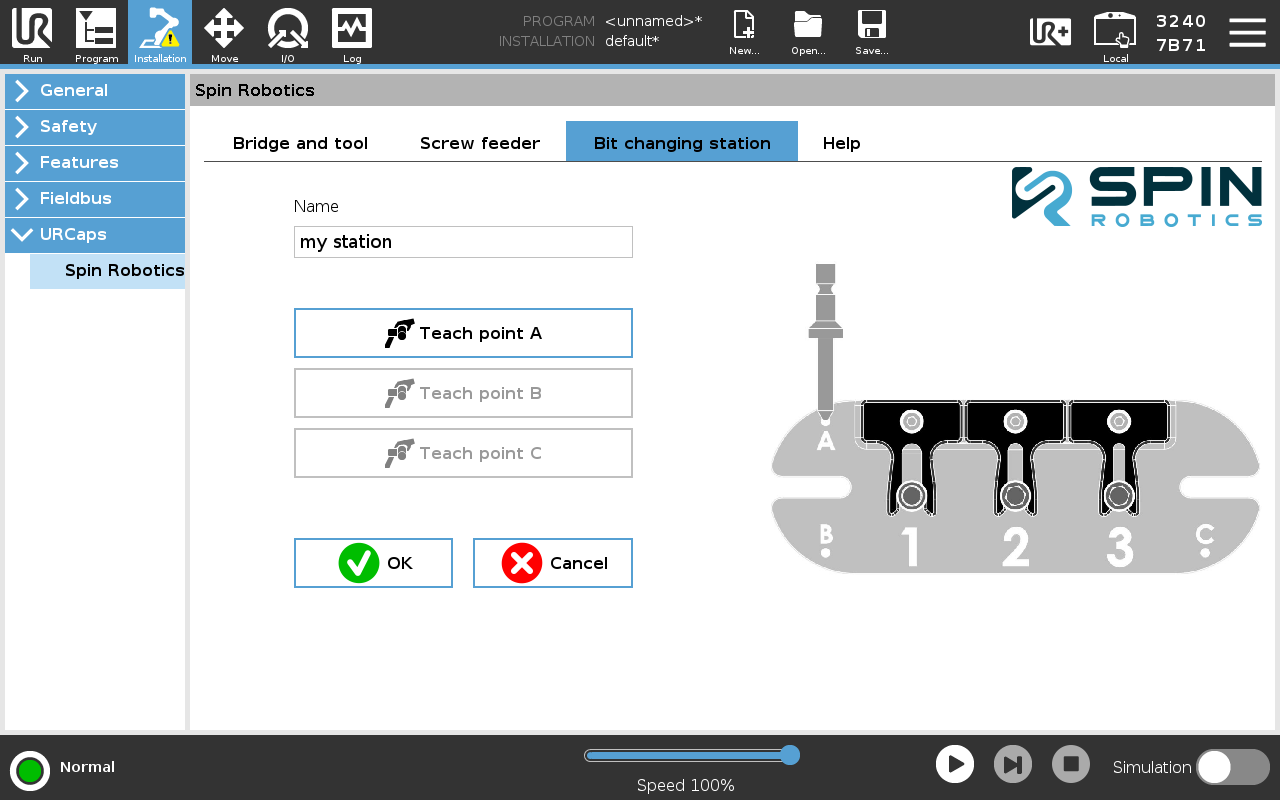
Installation of Bit Changing Station 2.
The position and orientation of the Bit Changing Station must be defined. This is done by teaching the three points A, B and C. See image above.
Optionally, the position of the Bit Changing Station may be verified by pressing the Verify position button. Then you can make the robot move the tool above and to the point B. The tool orientation will be aligned with the Bit Changing Station in the same way as when the Attach bit and Detach bit program nodes are used.