Welcome to Spin Dashboard’s documentation!
Here you will find the documentation for the Spin Dashboard. The Dashboard is a web-based interface for the SpinBridge, which allows you to configure and monitor your Spin Robotics screwdriving system.
First time setup
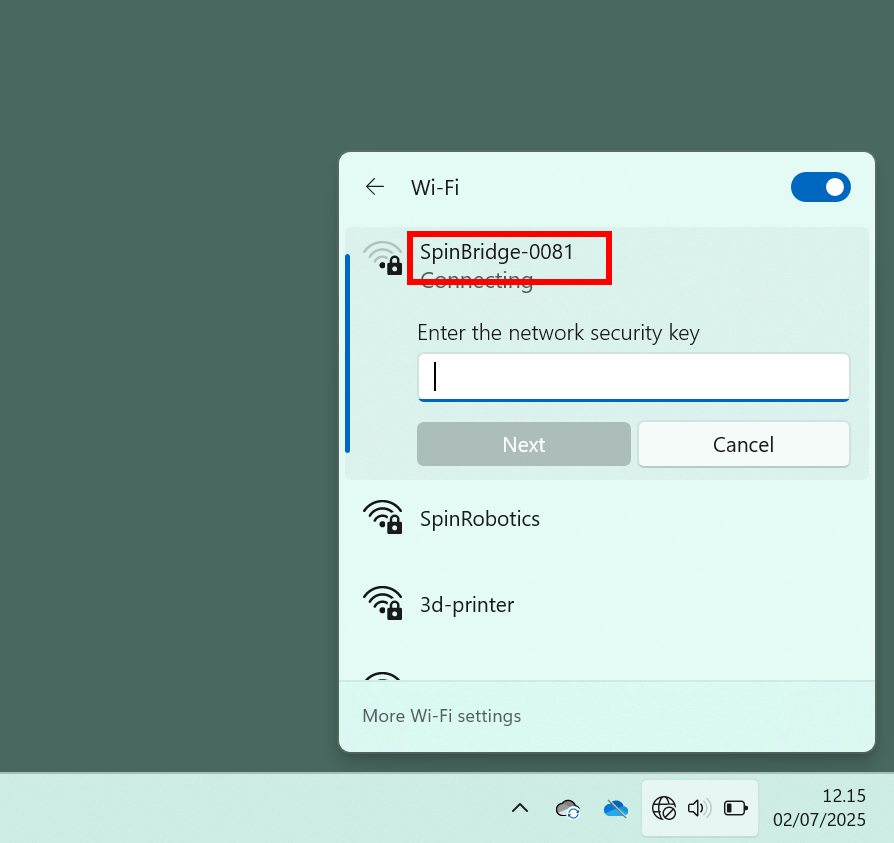
Connect your pc to the built-in wifi hotspot of the SpinBridge. The wifi name (SSID) is SpinBridge-XXXX, where XXXX are the last four digits of the device’s serial number. The default security key is spinbridge.
Warning
You may lose connection to this documentation when connecting to the hotspot.
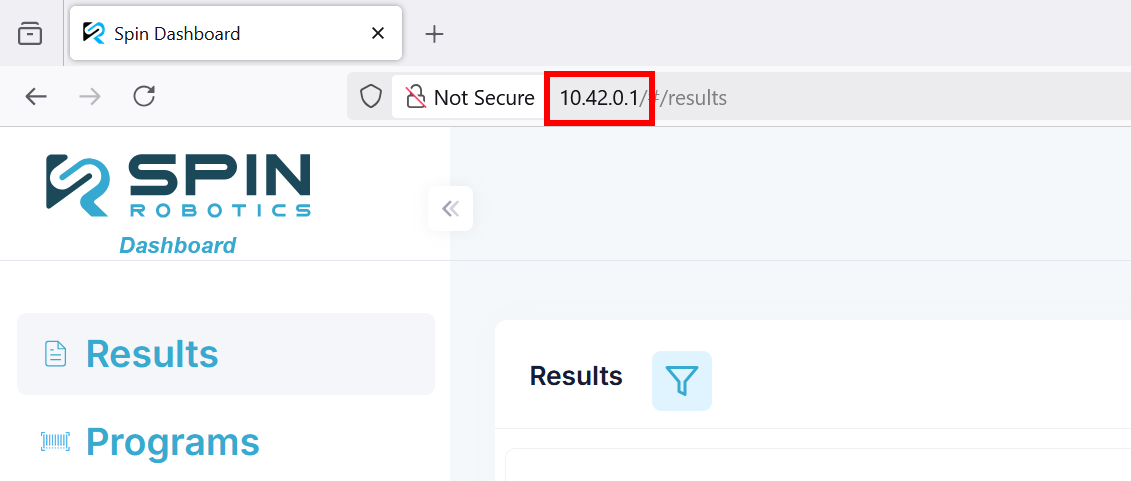
Open a browser to 10.42.0.1/.
Follow the instructions in the Basic network setup example to configure a wired connection to your PC.
Table of Contents: