Updating Spin Bridge
Updating Spin Bridge
Plug the Spin Bridge in to power.
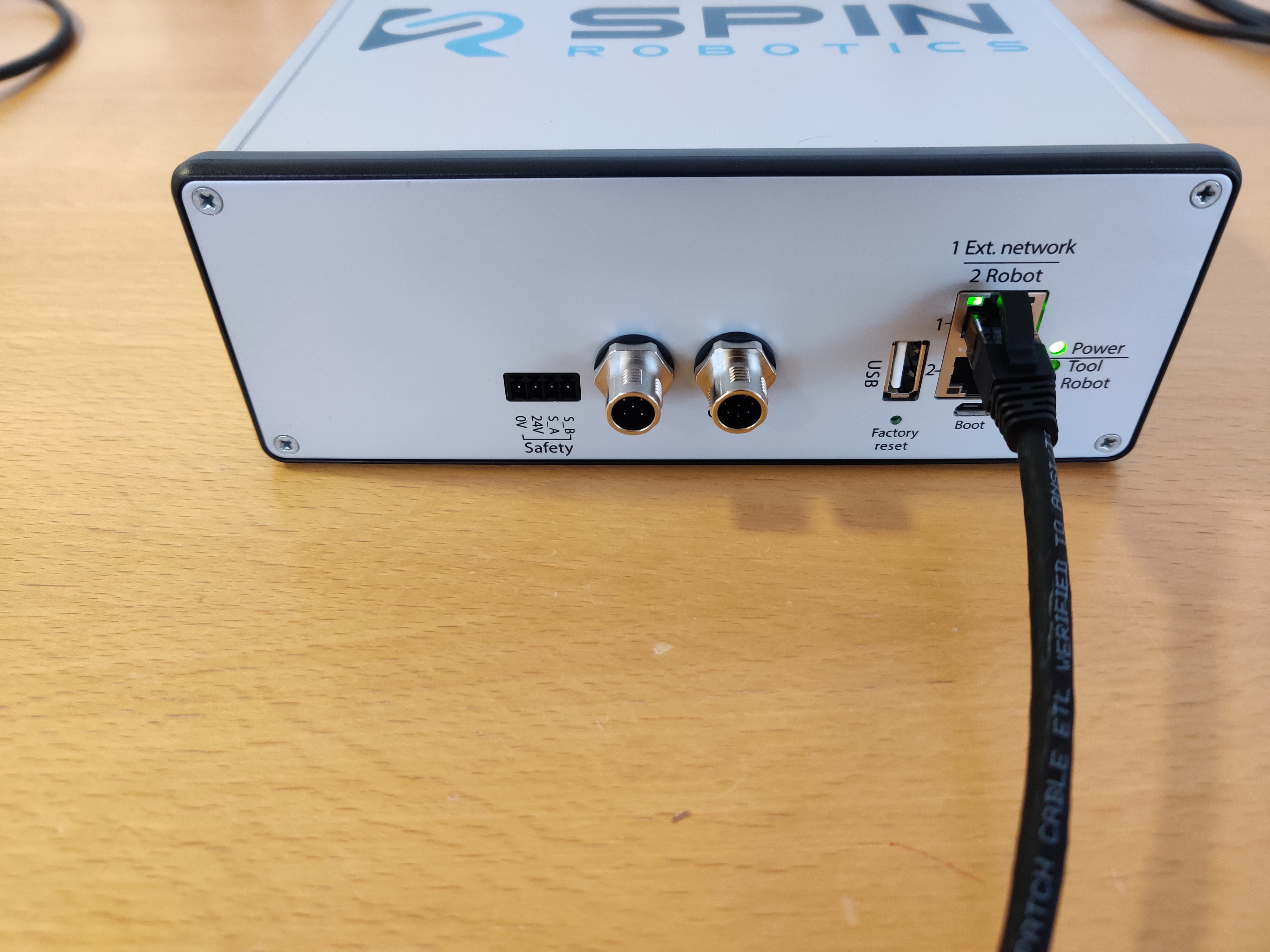
unplug any ethernet cable in the 2 Robot port.
Plug the Spin Bridge in to an external network with internet acces using the 1 Ext. network port. No tool needs to be connected.
connect a laptop to the wifi hotspot SpinBridge-xxxx as normal and navigate to the Spin Dashboard 10.42.0.1/
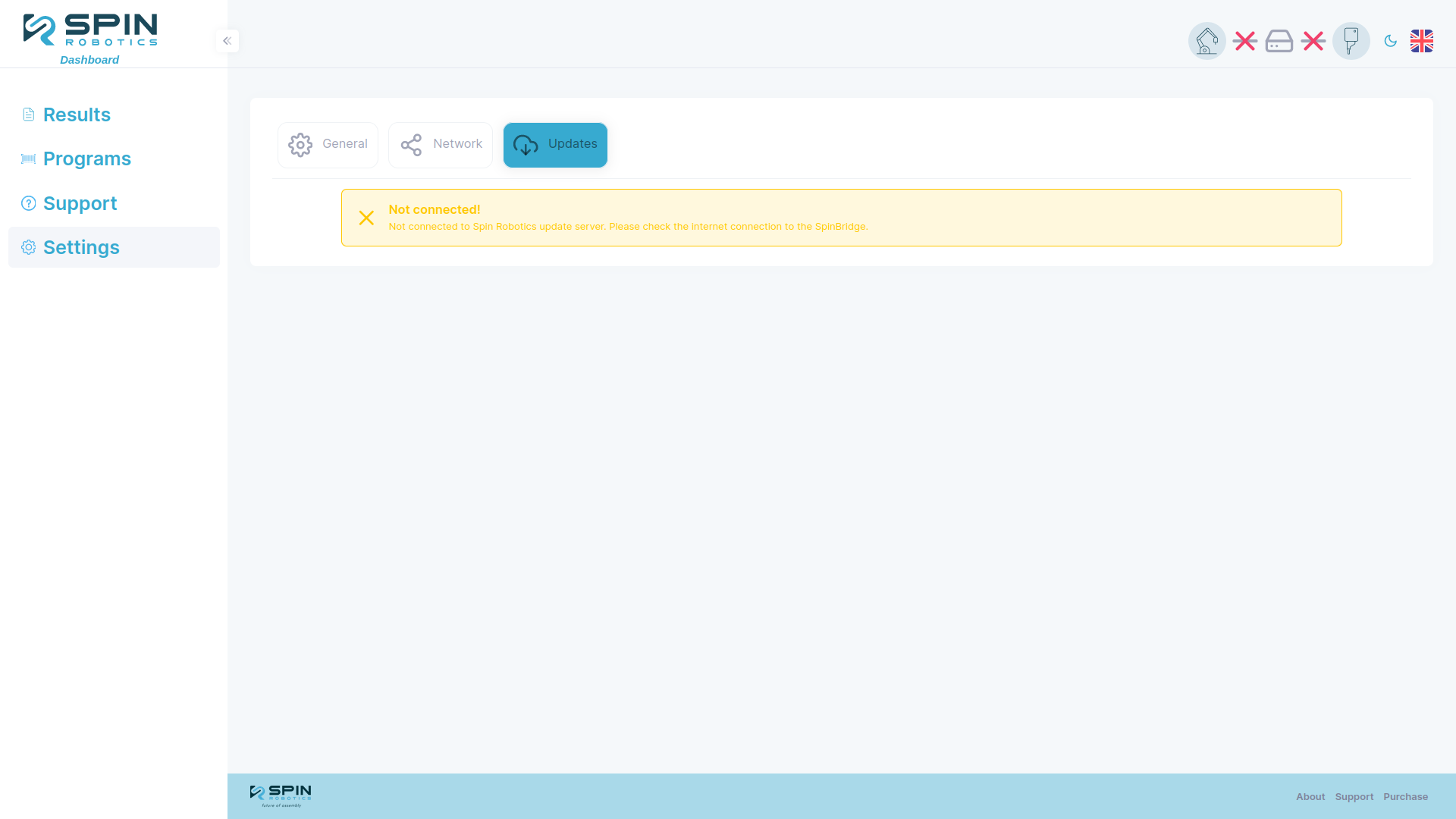
If you are unsure if the Spin Bridge is connected to the internet you can check the status of the connection on the update page where the internet connection is shown as Connected! in green or Not connected! in yellow.
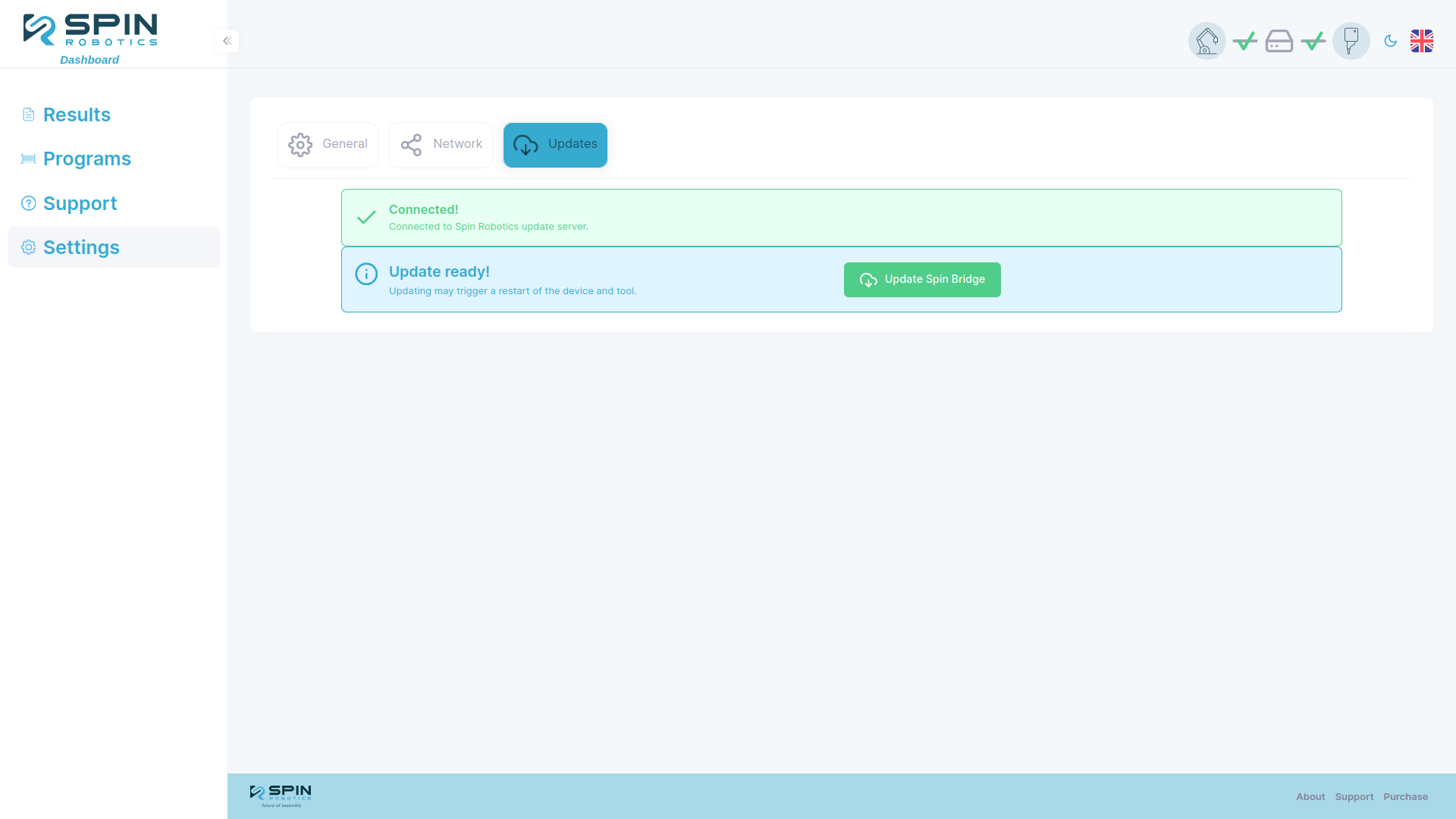
On the Spin Dashboard navigate to Setting/Updates and click the “update spin bridge” button. If you don’t see the button then the Spin Bridge either don’t have internet connection or there is no update avalible (see changelog ), the page may look different depending on version.
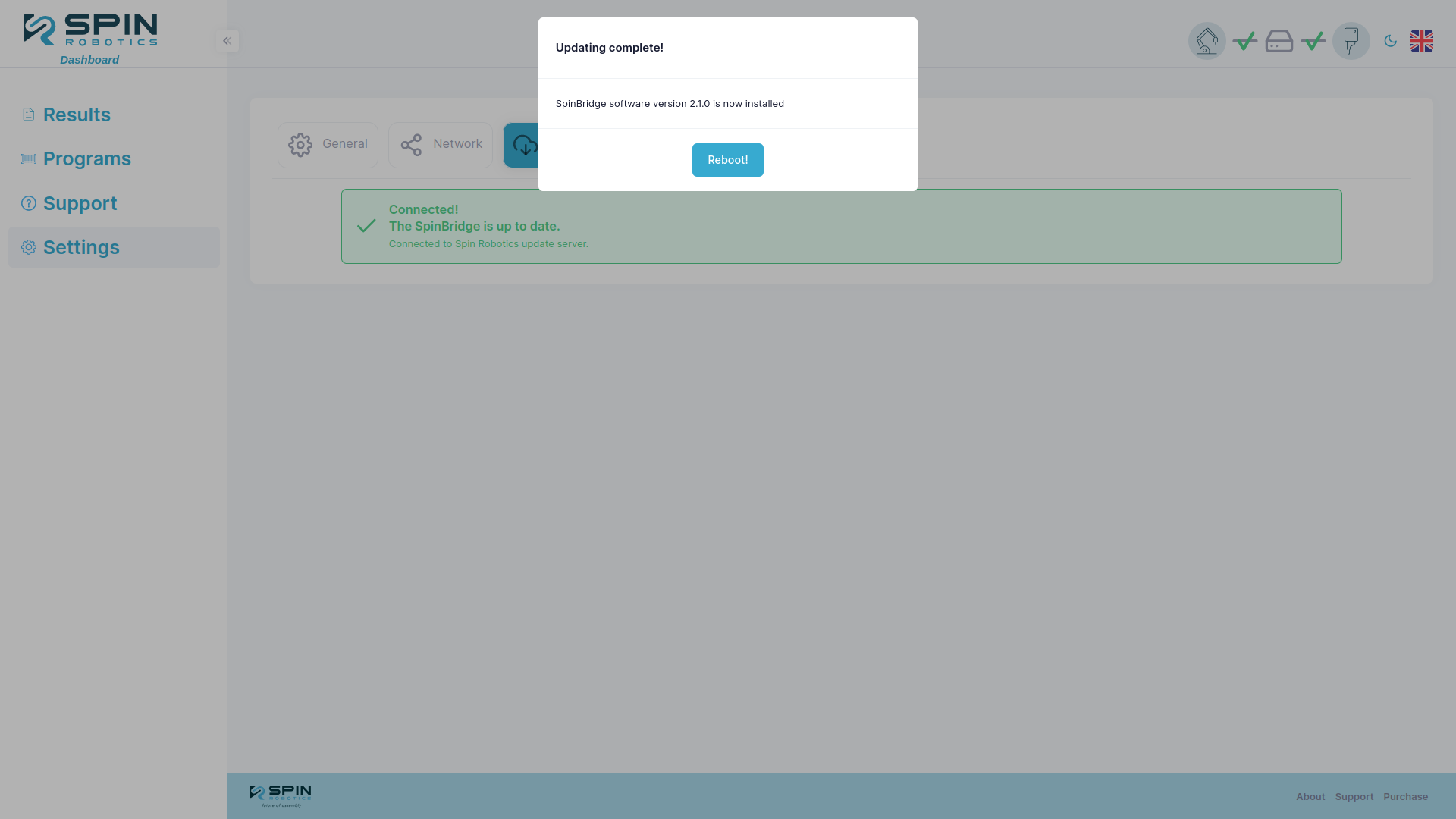
now wait for the update to complete. you may lose connection to the bridge, this is norman and it will reconnect when the update is done and a reboot button is shown.